Lesson 8 of 8
Troubleshooting and what's next
Common problems, quick fixes, and where to go from here.
You made it
If you've gotten here, you've installed a full development environment and built something from scratch — without writing a line of code. That's not a small thing.
If you'd like hands-on help with your specific project, book a 1:1 consultation.
When things go wrong
Most setup problems fall into one of five categories. Find the one that matches your situation, paste the prompt into your CLI (or into a desktop chat app like claude.ai or chatgpt.com if your CLI won't start), and let the agent diagnose and fix it.
"command not found" after setup
I am a non-technical Mac user. I ran a setup process and was told everything installed correctly, but when I try to run a command I get "command not found". Please diagnose why my terminal can't find the command and fix it. Explain every step in plain English before you do anything.
Homebrew permission errors
I am a non-technical Mac user. I am getting a permission error when trying to use Homebrew — it says something about not having write access to a directory. Please diagnose this and fix it safely. Explain every step in plain English before running anything, and do not delete or overwrite any of my files without asking me first.
Node or npm version problems
I am a non-technical Mac user. I am having a problem with my Node.js installation. Either it's the wrong version, I have multiple versions installed, or npm commands aren't working as expected. Please diagnose the issue and fix it. Explain every step in plain English.
"I closed Terminal and now nothing works"
I am a non-technical Mac user. I closed Terminal and when I re-opened it, commands that worked before (like brew, node, claude, or codex) are now showing "command not found". Please diagnose what happened to my PATH settings and restore them. Explain what you are doing and why.
App won't start
I am a non-technical Mac user. I built an app using my AI coding CLI and it ran fine before, but now it won't start. I am getting an error in Terminal when I try to run the development server. Please read the error message, diagnose the cause, and fix it. Explain everything in plain English.
Can't push to GitHub
I am a non-technical Mac user. I am trying to push my project to GitHub and it is failing — either with an authentication error, "remote not found", or some other git/GitHub message. Please diagnose what's wrong. First check gh auth status to see if I'm logged in, then check whether this project has a GitHub remote (git remote -v). Fix whatever is missing — re-run gh auth login if needed, or create a new GitHub repo with gh repo create and add it as the remote. Do not generate or upload SSH keys; the GitHub CLI handles authentication for me. Explain every step in plain English.
What to learn next
Once you've built something with this course, here are the natural next steps.
Ship it to the web
The follow-up course, Shipping to the Web, walks you through pushing your project to GitHub, deploying it to a live URL on Vercel, buying a domain on Namecheap, and connecting them. About 35 minutes, free, picks up exactly where this lesson ends.
Add a desktop chat app
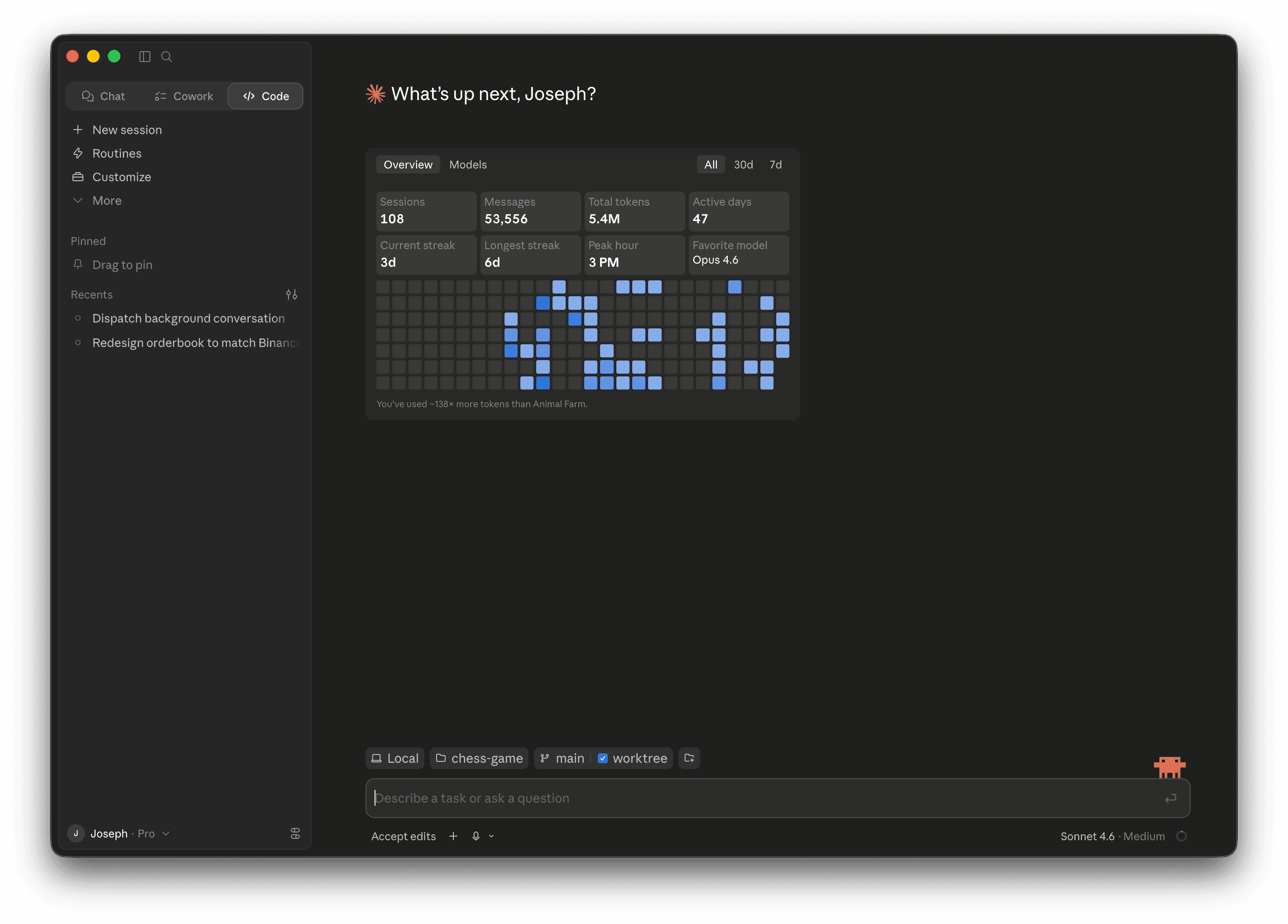
A desktop chat app is the perfect complement to your CLI. The CLI builds; the desktop app helps you think, design, and iterate visually. Pick whichever matches the CLI you already use.
Claude Desktop — Drag a screenshot of your app into the chat and say "make this look more professional." Excellent for visual iteration. Download at claude.ai/download.
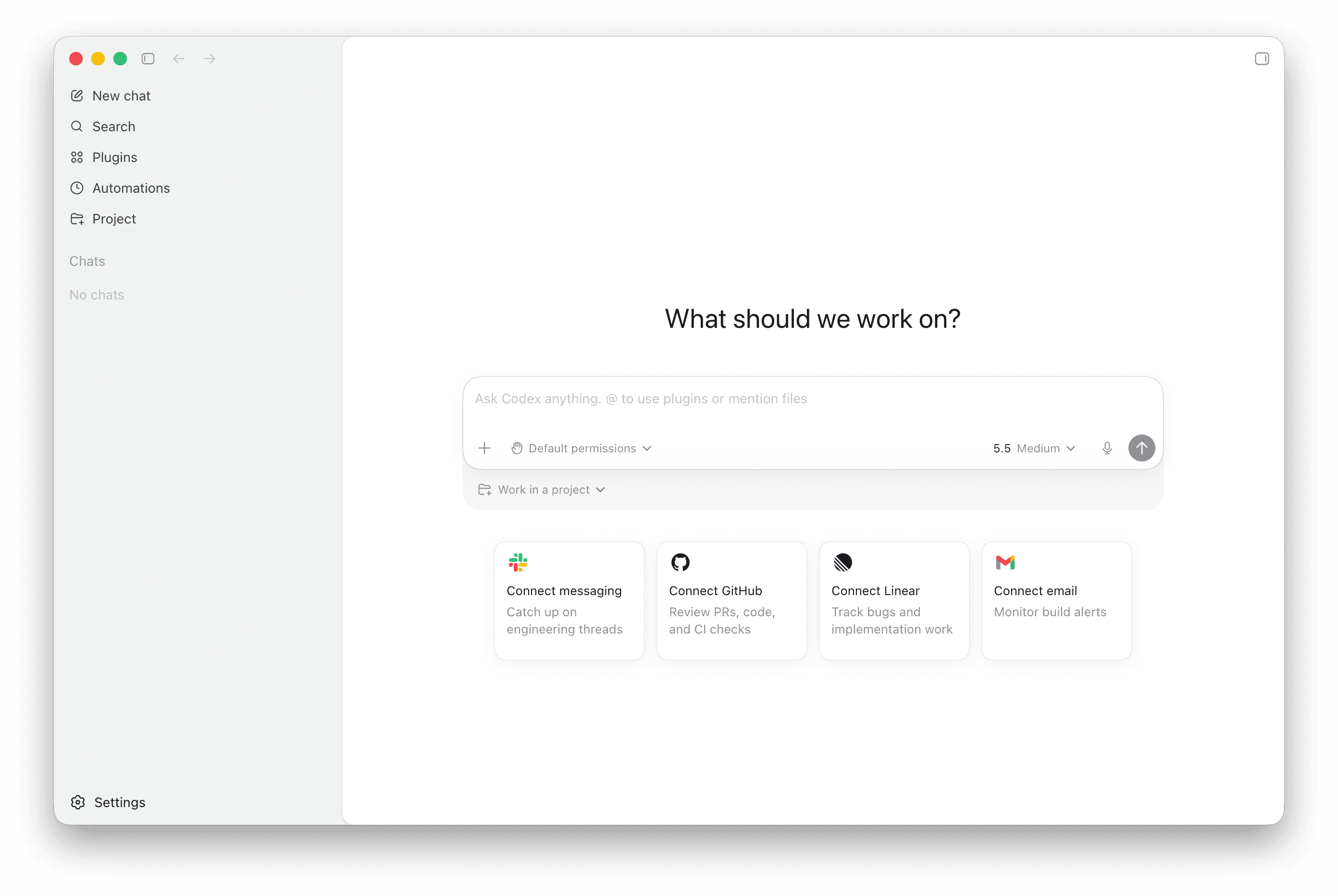
Codex Desktop — OpenAI's dedicated desktop app. Run multiple Codex agents side-by-side across projects, with built-in git worktrees, terminal, and code review. Download at developers.openai.com/codex/app.
And the rest
Cursor IDE — A code editor built for AI-assisted development. If you want to see the code your agent is writing and approve changes line by line, Cursor gives you that visibility. Works alongside both Claude Code and Codex CLI. Download at cursor.com.
GitHub — Cloud storage for your code with full version history. Every commit is a checkpoint you can return to. Create an account at github.com. If you ever see an authentication error when pushing, run gh auth status in Terminal — if it says you're logged out, run gh auth login again.
Reference: Claude Code shortcuts
| Command | What it does |
|---|---|
/model opus | Switch to Claude's most capable model (use for planning) |
/model sonnet | Switch to the fast model (use for writing code) |
/effort high | Maximum reasoning effort |
| Shift + Tab | Toggle Plan Mode |
/exit | Exit Claude Code |
| Ctrl + C | Cancel the current operation |
Reference: Codex CLI shortcuts
| Command | What it does |
|---|---|
/model | List available models and switch between them |
/approval | Toggle how often Codex asks before running commands |
/sandbox | View / change the sandbox mode (read-only, workspace-write, full-access) |
/help | Show all slash commands |
/quit | Exit Codex CLI |
| Ctrl + C | Cancel the current operation |
Slash commands evolve. If a command above doesn't exist in your version, run /help inside the CLI to see the current list — both tools update frequently.
Reference: Terminal basics
| Command | What it does |
|---|---|
pwd | Show what folder you're currently in |
ls | List files in the current folder |
cd folder-name | Move into a folder |
cd .. | Go up one folder level |
mkdir folder-name | Create a new folder |
clear | Clear the screen |
| Ctrl + C | Stop a running process |
| Up arrow | Recall your previous command |
Still stuck?
Reach out to me with a description of the problem and a screenshot if you have one.